Realistic Ragdoll Physics BIG CONTENT UPDATE (November 2026)
What the mid-November live window adds, how to verify it in-game, and how to prepare for Update 7.
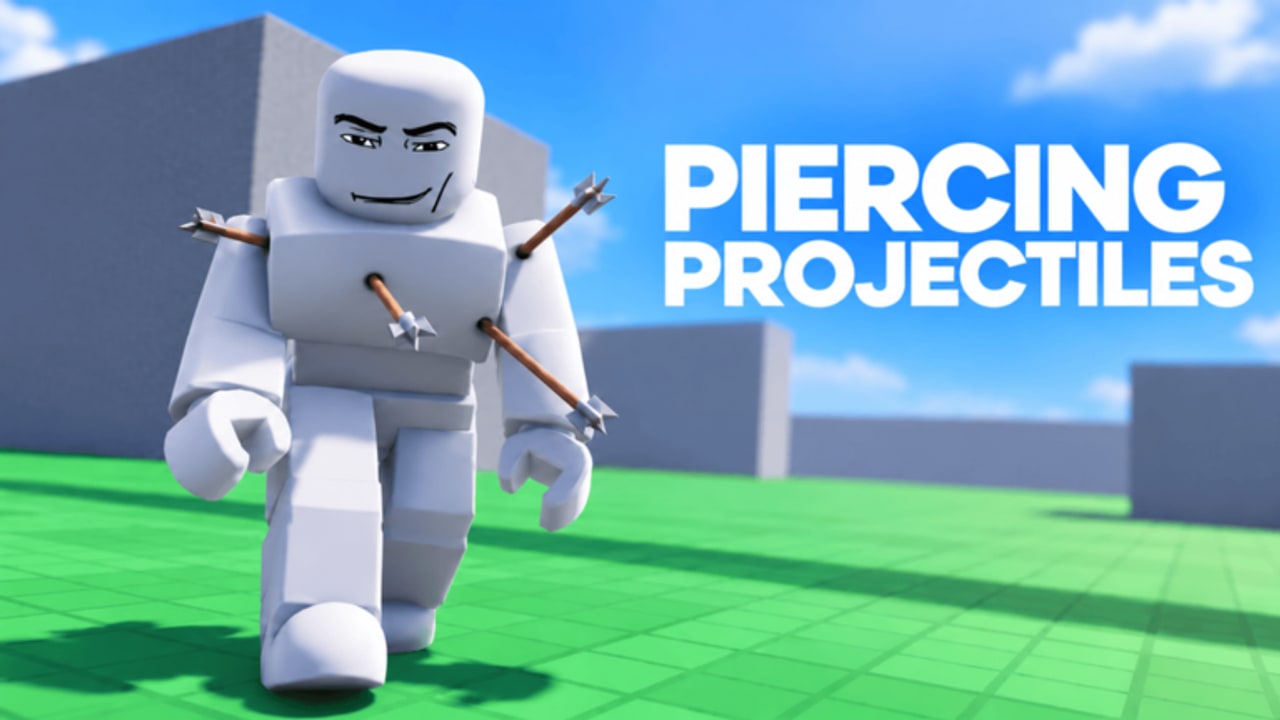
The BIG CONTENT UPDATE is the headline mid-November 2026 drop for Realistic Ragdoll Physics (official listing: Realistic Ragdoll Engine by No Knees!, place 81230874545623). Community event trackers list the live window around November 7–15, 2026, sitting on top of Update 5 (October 31) and Update 5.5 (November 4–8). This page explains what those blurbs claim, how to verify changes in your own server, and how to line up for Update 7 (starts about November 14 near 19:00 UTC).
For the full calendar, use the Updates Hub. For earlier patches and Halloween / Admin Abuse context, use patch notes. For Doctor Mode and sandbox toggles after the drop, use Settings. For honest server-size status, use Multiplayer status.
What event trackers say the BIG CONTENT UPDATE includes
Across mid-November listings, the drop is described as adding:
- New maps (or expanded map spaces for experiments)
- More weapons on top of the Update 5.5 roster growth
- More interactables — props and toys you can trigger during a session
- Multiplayer accessibility work layered on Update 5 / 5.5 multiplayer experiments
Treat tracker language as a checklist to verify, not as a substitute for opening the live experience. No Knees! ships quickly; a Short filmed on November 8 can already miss a November 12 hotfix.
How this window sits in the November chain
| Window | What blurbs emphasize |
|---|---|
| Oct 28–29 | Halloween update completed |
| Oct 31 | Update 5 — multiplayer modes called out |
| Nov 4–8 | Update 5.5 — weapons, interactables, multiplayer improvements |
| Nov 7–15 | BIG CONTENT UPDATE — maps, weapons, interactables, multiplayer accessibility |
| Nov 14 ~19:00 UTC | Update 7 starts |
Notice the overlap: BIG CONTENT UPDATE is already live when Update 7’s countdown begins. Plan two mindsets — enjoy the current window’s maps and toys now, then watch the Roblox notify banner for Update 7’s exclusive or feature claims.
Multiplayer accessibility — read this carefully
Event copy for this window often includes multiplayer accessibility. Combined with Update 5’s “multiplayer modes” language, that sounds like friend lobbies. Reality check:
- Many Roblox trackers and the experience listing still commonly show Max Players 1.
- This wiki’s
factsrecord keeps the default identity as a solo dummy lab until live server size clearly changes. - When guides mention multiplayer, phrase it as: event trackers describe multiplayer improvements; confirm the live Roblox server size yourself.
Step-by-step verification lives on Multiplayer status. Do not promise a party night until your own join flow proves a larger server.
What to do during the live window (player checklist)
1. Join on purpose, not on autopilot
Open the official experience, press Play, and let the server fully load before opening the shop. If Roblox shows an event banner or countdown tied to the BIG CONTENT UPDATE, favor joining during that window so you do not miss attendance rewards the way players missed Admin Abuse exclusives in late October.
2. Tour maps before you spend
New maps are the highest-leverage free content. Walk each space looking for fans, stairs, water, shredders, cannons, and fresh interactables. Film one slow-motion hazard chain per map before touching Robux rows. Hazard habits: Maps and Hazards.
3. Inventory weapons and interactables
Compare your hotbar to mid-season favorites documented on Weapons:
- Spectacle: nuke, rockets, minigun-class spray
- Crowd / toy events: rain dummies and similar spawn toys when present
- Status: freeze / flash freeze, taser, poison
- Melee: bat, crowbar, fire axe, bow where available
- Utility: attack dog, defibrillator, balloons
- Progression: kill unlocks such as Snake Sniper ~150 kills
- Monetization context: VIP and other passes on game passes
Re-rank personal loadouts on the weapons tier list after you feel the new toys — do not buy from memory of an October Short.
4. Re-test Settings and revive flow
Big drops often touch UI. Open Settings and confirm:
- Doctor Mode (vitals, trauma, oxygen; often toggled in settings and/or V)
- Hover injury tooltips still work when Doctor Mode is on
- Slow motion, gravity, and run speed sandbox sliders
- Revive shortcuts community reports cite (R revive all, Y auto-revive) — bindings can change
Full walkthrough: Settings. Control habits: Controls.
5. Keep codes expectations at zero
The BIG CONTENT UPDATE has not introduced a codes menu. As of November 2026 there are still no working Realistic Ragdoll Physics codes. Other ragdoll games do have codes — that is a common source of fake lists. Status: Codes Hub.
6. Soft stats for context only
Mid-November community counters sit around 39M+ visits, roughly 88% rating, and a peak near 41k. Soft numbers; they explain why the update cadence is aggressive, not what you personally unlock.
Preparing for Update 7 (from ~Nov 14 19:00 UTC)
Update 7’s scheduled start overlaps the end of the BIG CONTENT UPDATE window. Prep like this:
- Enable experience notifications on the Roblox page so you catch the live countdown.
- Clear inventory confusion — finish testing BIG CONTENT UPDATE toys so you can tell Update 7 additions apart.
- Bookmark patch notes and this page; refresh after the drop for verified item names.
- Hold non-urgent Robux until you see whether Update 7 bundles overlap shop rows you were about to buy.
- Re-check server size if Update 7 blurbs mention lobbies or accessibility again (Multiplayer status).
- Re-open Settings after Update 7 ships — Doctor Mode and revive keys are the first things to confirm (Settings).
- Ignore code rumor thumbnails timed to Update 7; verify on Codes first.
Suggested session plan (45 minutes)
- 10 min — walk one new map; note three interactables.
- 10 min — Doctor Mode on; run two limb tests and one revive cycle.
- 10 min — try one new weapon or freeze/melee combo in slow motion.
- 10 min — compare one shop or kill-unlock candidate without buying yet.
- 5 min — skim Roblox for Update 7 countdown; favorite the experience if needed.
New players who landed mid-update should still complete Getting Started before chasing every new toy.
Related pages
- Updates Hub — full November table
- Patch notes — launch through Update 7 narrative
- Multiplayer status — verify Max Players yourself
- Settings — Doctor Mode, sandbox sliders, revive keys
- Weapons — roster and unlock notes
- Weapons tier list — re-rank after the drop
- Game passes — VIP and packs
- Codes Hub — still no codes
- Guides Hub — full how-to tree
Play the BIG CONTENT UPDATE like a lab expansion: map first, inspect second, spend last — then watch the Update 7 clock.
Frequently Asked Questions
Quick answers for Realistic Ragdoll Physics players.
When is the BIG CONTENT UPDATE live?
Community trackers list roughly November 7–15, 2026. Confirm any active Roblox event banner on the experience page.
What does the BIG CONTENT UPDATE add?
Event blurbs describe new maps, weapons, interactables, and multiplayer accessibility. Verify each category in your live server.
Does multiplayer accessibility mean I can play with friends now?
Not automatically. Many listings still show Max Players 1. Confirm the live Roblox server size — see the multiplayer status guide.
How do I prepare for Update 7?
Enable Roblox notifications, finish testing BIG CONTENT UPDATE toys, hold non-urgent Robux, and re-check Settings and server size after Update 7 starts around Nov 14 19:00 UTC.
Are there codes in the BIG CONTENT UPDATE?
No. As of November 2026 there is still no codes menu for this game. See the Codes Hub.
Where should returning players start?
Skim this page and patch notes, re-test Settings, tour new maps, then re-rank weapons. Brand-new players should still finish Getting Started first.